Migrating from Bitly
Bitly is a popular URL shortener that lets you create short links, which can be used in your marketing campaigns, social media posts, and more.
How to migrate from Bitly to RevRoute
If you’re looking to migrate from Bitly to RevRoute, we’ve built a custom migration tool that will help you migrate your links in just 2-3 clicks.
Sign in with Bitly
If you haven’t already, create a workspace on RevRoute.
Protip: Once you create your workspace, we generally recommend that you not configure your domain until you’ve migrated all your links. This will prevent any potential downtime for your links.
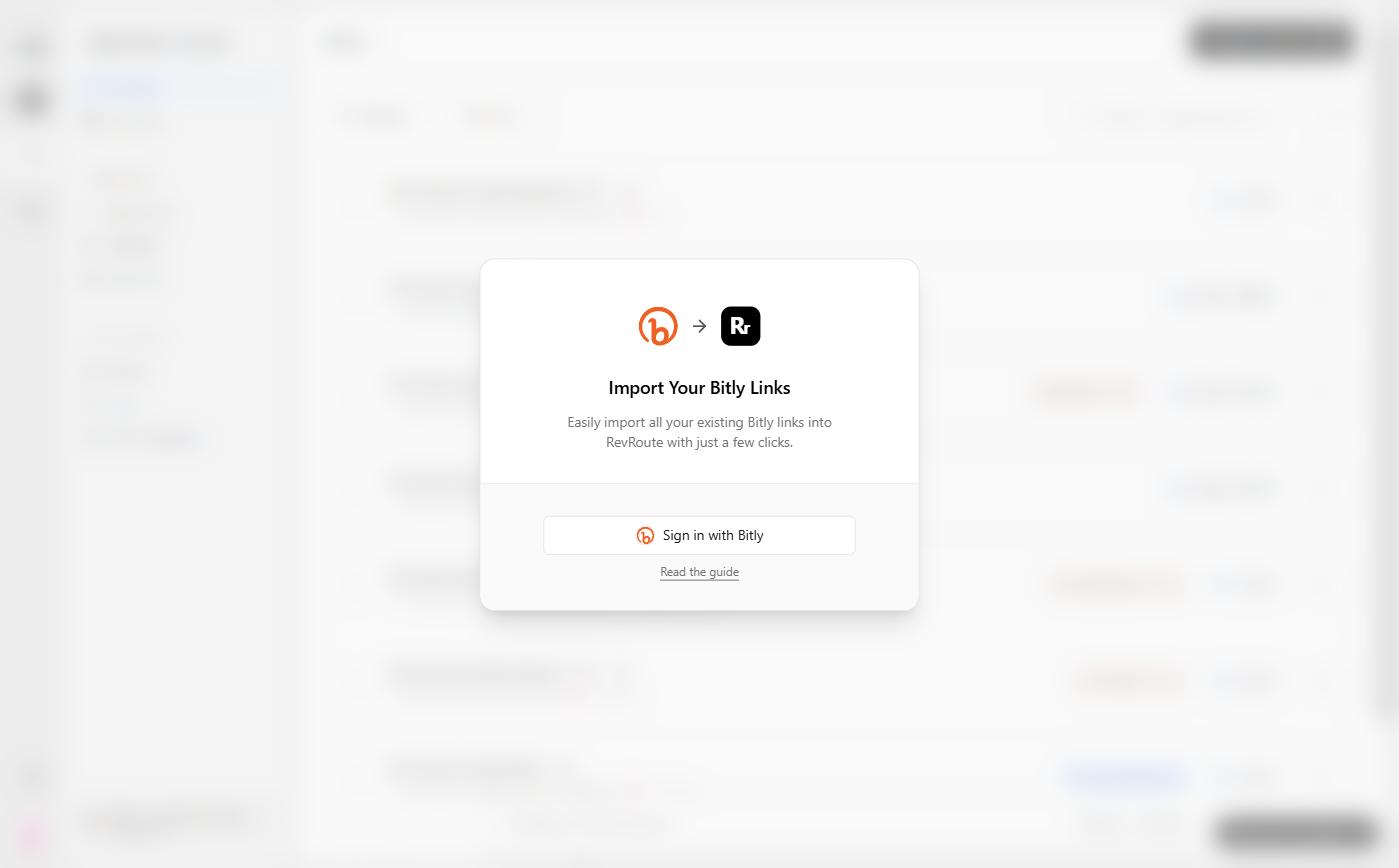
Then, open the import dialog with this direct link: app.revroute.ru/links?import=bitly . For now, the ⋮ menu on the Links page only offers CSV import. In the dialog, click Sign in with Bitly.
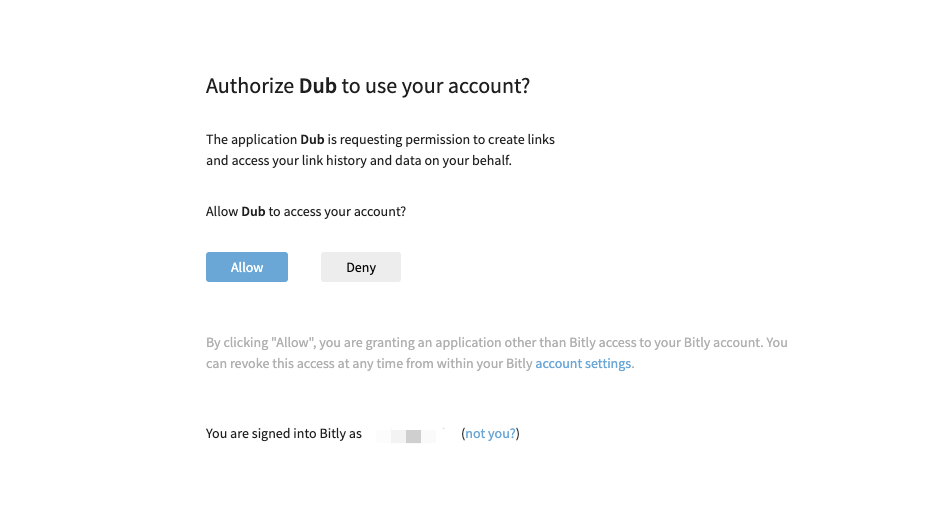
On the sign-in screen, click “Allow” and you’ll be redirected back to RevRoute.
Behind the scenes, we’ll fetch all your Bitly groups and their respective custom domains and number of tags. You’ll be presented with a list of groups that we’ve found.
If you accidentally signed in to the wrong Bitly account, you can click on the Sign in with a different account? link to sign in with a different Bitly account.
Select the domains you want to migrate
Select the domains you want to migrate and choose if you’d like to import their respective tags as well. You can learn more about how tags work on RevRoute.
Once you’re done, click Confirm import. In just a few seconds, all selected links will be migrated to RevRoute.
Once all your links have been imported, we will send you an email to let you know that the migration is complete.
Configure your domain
Once you receive the email, you can configure your domain by setting the right DNS records. This will ensure that your links are pointing to RevRoute and not Bitly. Once you’ve done this, you can start using your links!
If the import doesn’t start, export your links from Bitly to a CSV file and import them from CSV.
Which Bitly link attributes are migrated?
Here’s a list of attributes that are migrated from Bitly to RevRoute:
- Destination URL
- Short link slug
- Link creation date
- Link tags
- Archived status
If there are any other attributes that you’d like to see migrated, please send us an email and let us know!