RevRoute Program Marketplace
If you want to expand your partnerships or join new programs on RevRoute, this guide walks you through how to browse available programs, review their details, and submit an application.
Where to find the Program Marketplace
From your main program navigation, click Program Marketplace.
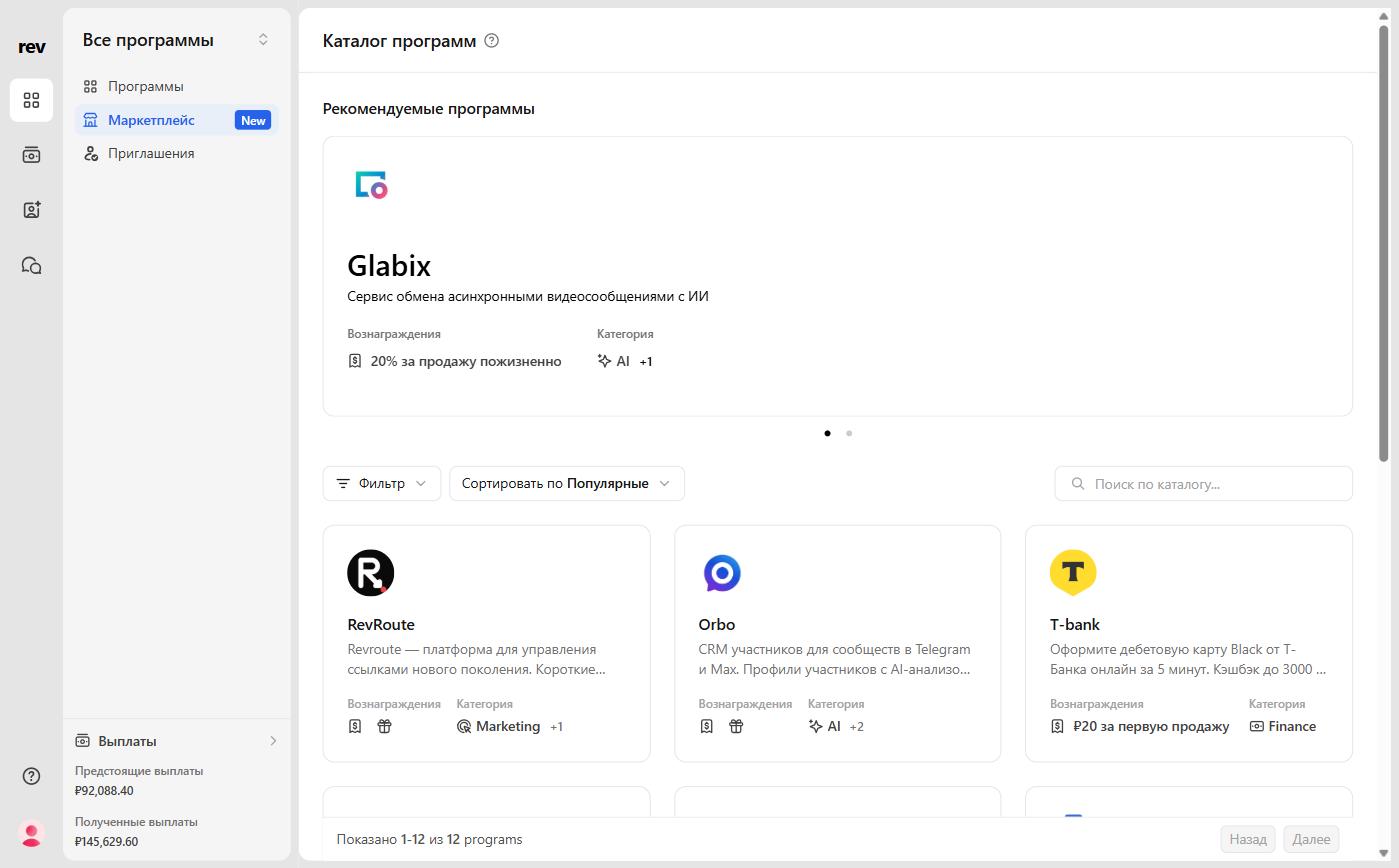
Here you can browse featured programs and a full list of programs available to explore and apply to.
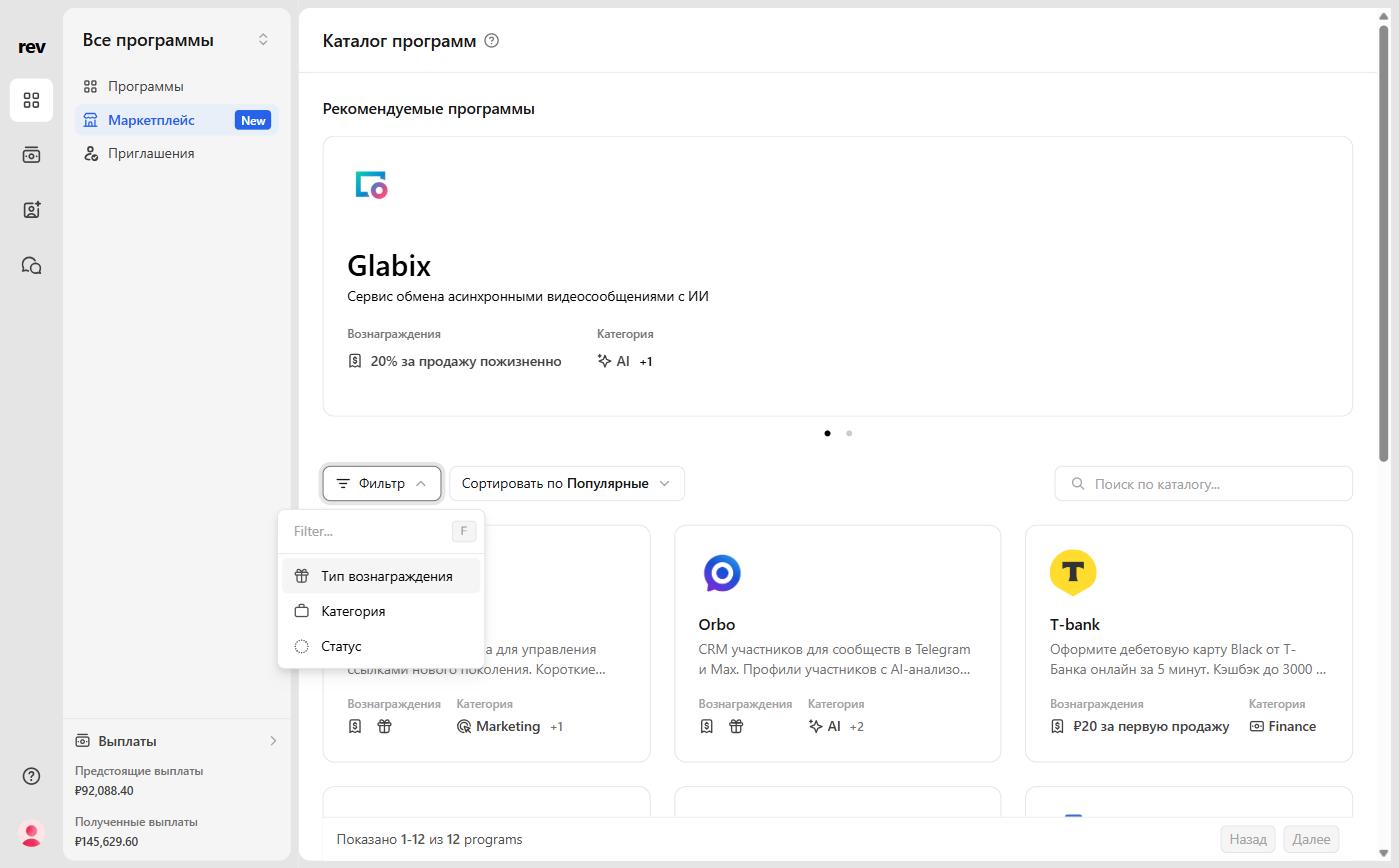
Filters and sorting
Within the program grid, you can refine what you see by applying filters or sorting options. This helps narrow programs based on categories or the reward types available.
You can filter by several criteria, then sort the results by most popular, newest, or name order.
Program details
To view details about a program, click any program card.
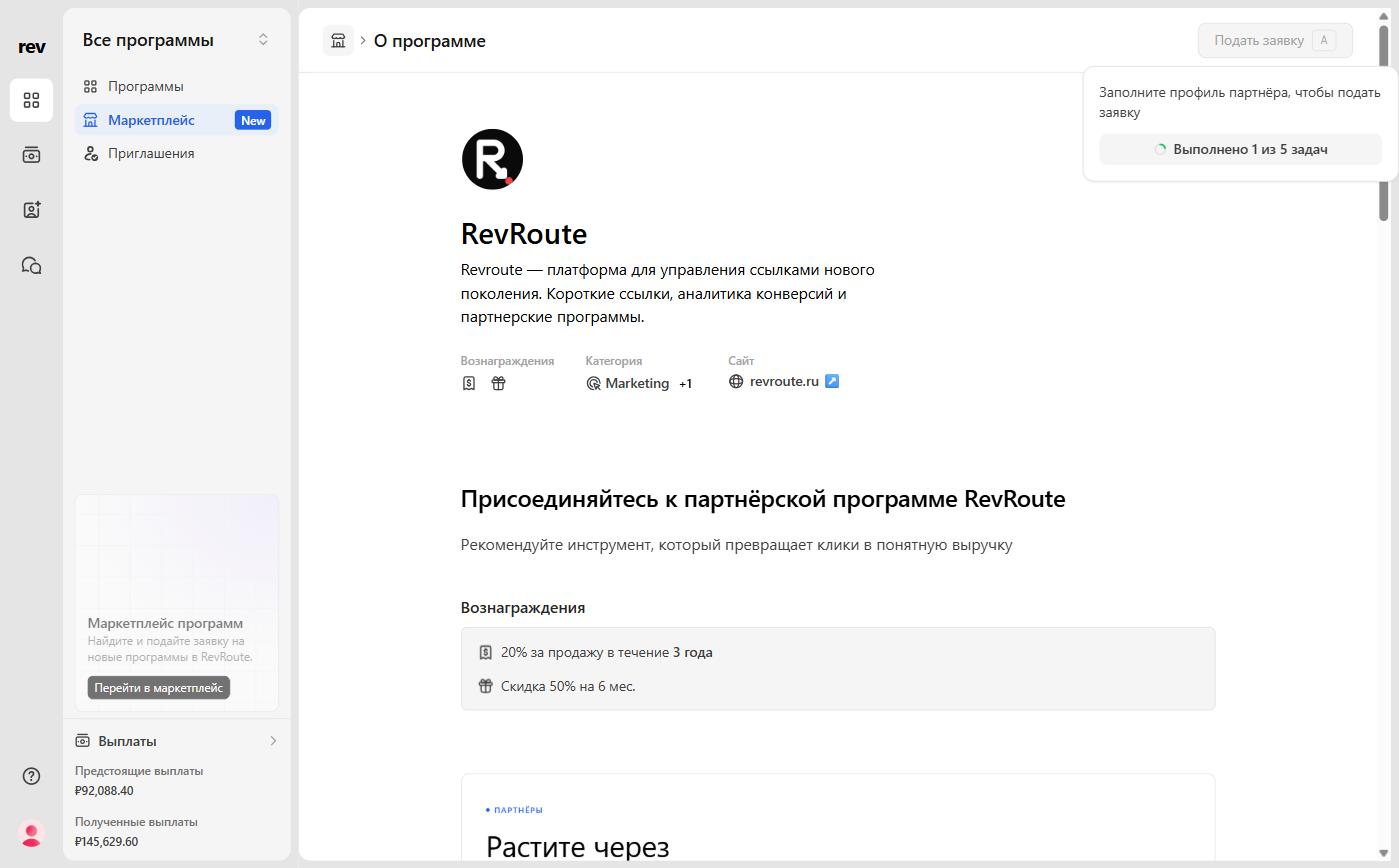
The program details page includes:
- Product description
- Rewards offered
- Program categories
- Additional supporting content to help you understand the partnership
Applying to a program
When you are ready to apply, click the Apply button in the top right of the Program details page. The button is active only when your partner profile is complete: until then, its tooltip asks you to complete your profile and shows how many profile tasks are done.
Each program has its own application requirements. Fill out the form as accurately as possible to increase your chance of approval.
Before applying, make sure your profile is up to date and as complete as possible. Learn more
After completing the form, submit it. If the application approval notification is on in your notification settings, you will get an email once your application is approved.