How to add comments to your links in RevRoute?
On RevRoute, you can add comments to your links by using the “Comments” section in the link builder.
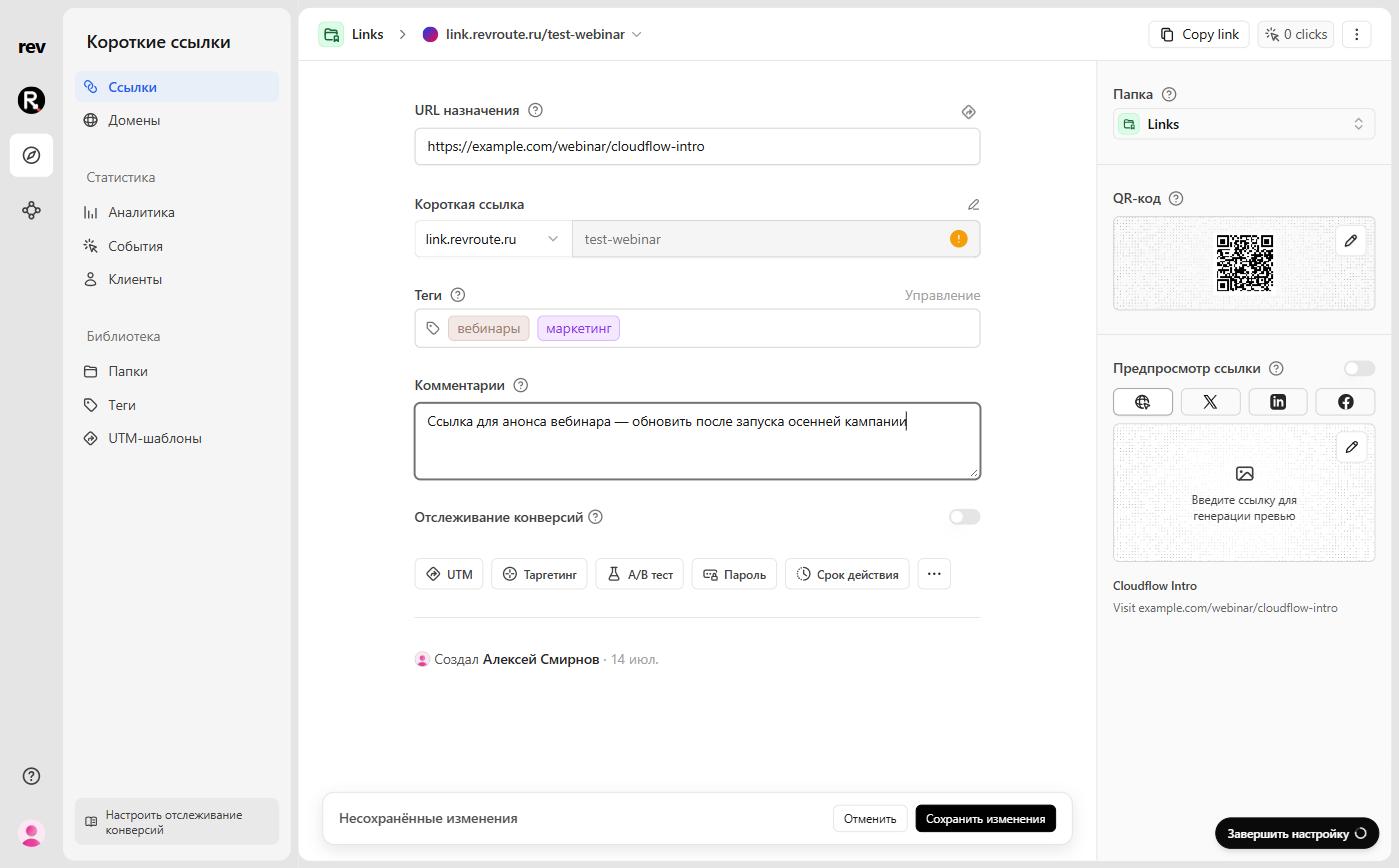
ℹ️
Note: Hyperlinks are supported in comments. You can use this to add more context to your links.
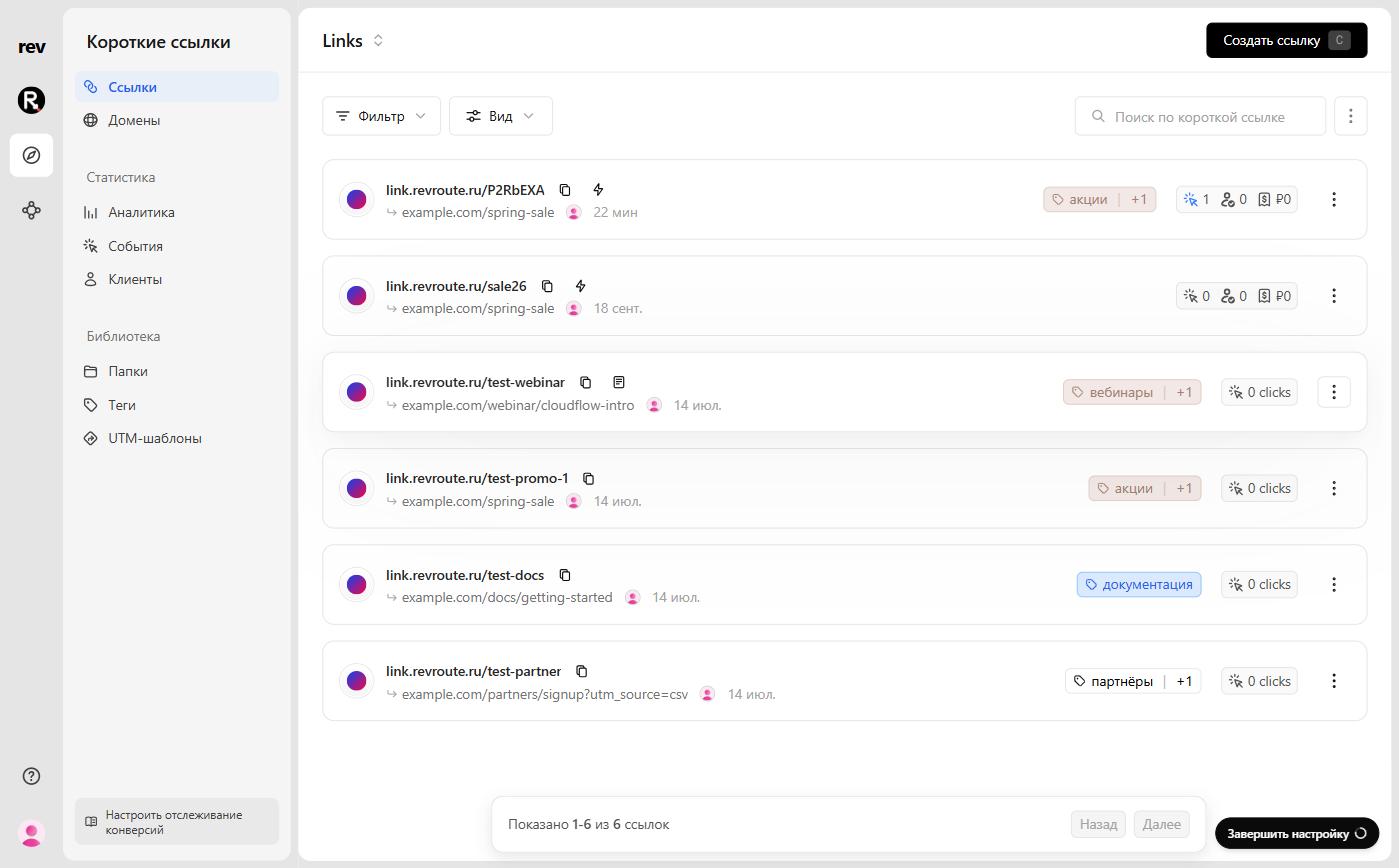
When you add a comment to your link, it will be visible to you and your team as a message bubble on the link card.
Last updated on