How can I check a RevRoute link’s destination before clicking on it?
If you’re not sure where a RevRoute link will take you, you can check its destination before clicking on it by adding a + sign to the end of the short link.
For example, if you want to check the destination of the short link link.revroute.ru/sale26, you can type link.revroute.ru/sale26+ into your browser’s address bar and press Enter.
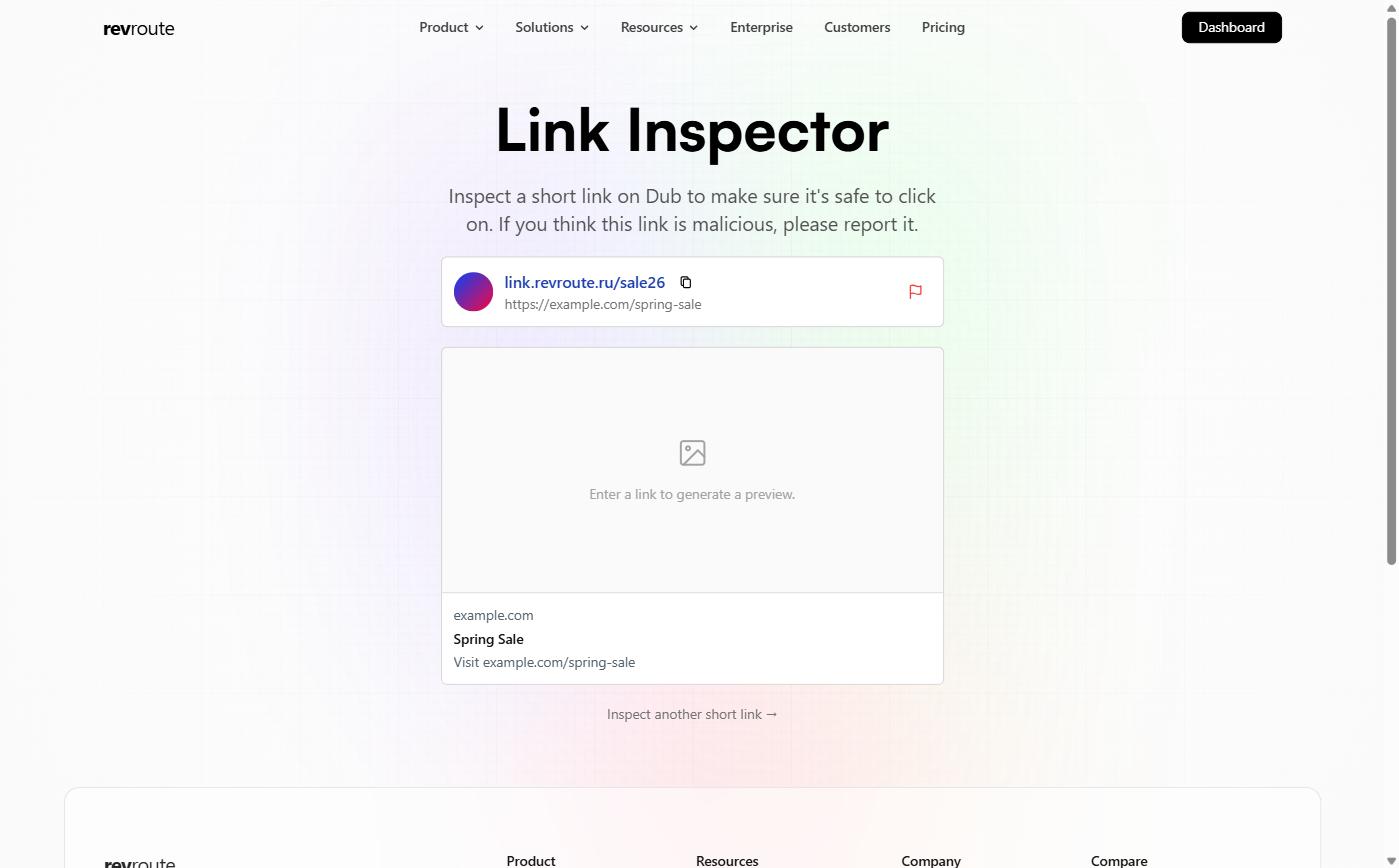
This will take you to the link inspector page, which shows you the destination URL of the short link, as well as the respective social media preview for the URL.
Reporting a malicious link
If you suspect that a RevRoute link is malicious, click the flag icon on the link inspector page to report it. We take these reports seriously and will take appropriate action as soon as possible.
Learn more about the types of links that are against our Terms of Service .