How to filter between QR code scans and link clicks
On RevRoute, you can filter between QR code scans and link clicks in your RevRoute analytics. This lets you understand how people are finding your links.
Here’s how you can do that:
Go to your Analytics dashboard
Open the Analytics item under the Statistics section of the sidebar in your RevRoute workspace.
Open the filter menu
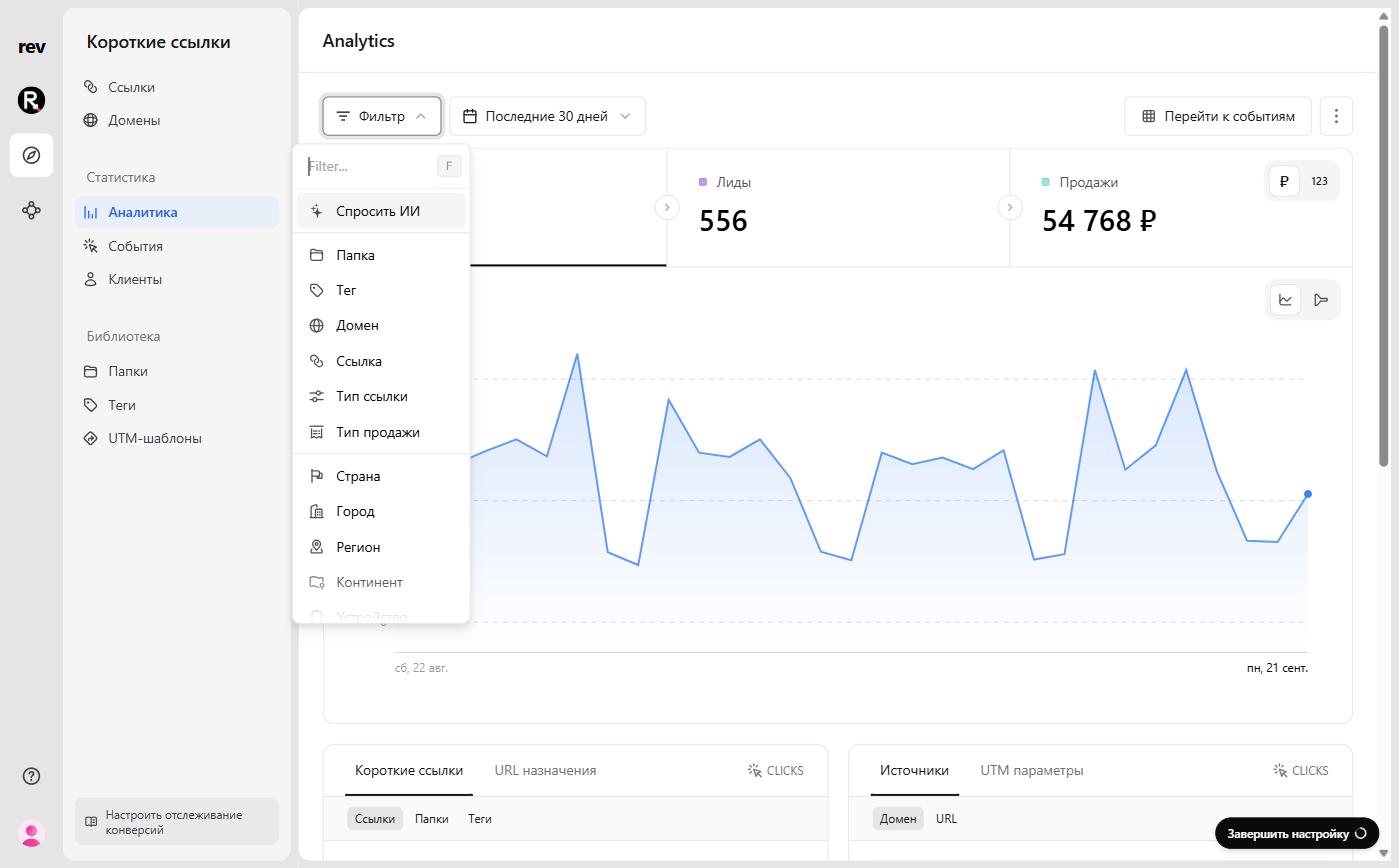
Then, click on the Filter button to open the filter menu:
Select the filter by event type
In the list, select the filter by event type (link click or QR code scan) and check the option you need — the dashboard recalculates and shows only the selected event type. To find the filter quickly, start typing its name in the menu’s search field.
Compare event types on the Triggers tab
The split between link clicks and QR code scans is also visible on the Triggers tab among the analytics breakdowns:
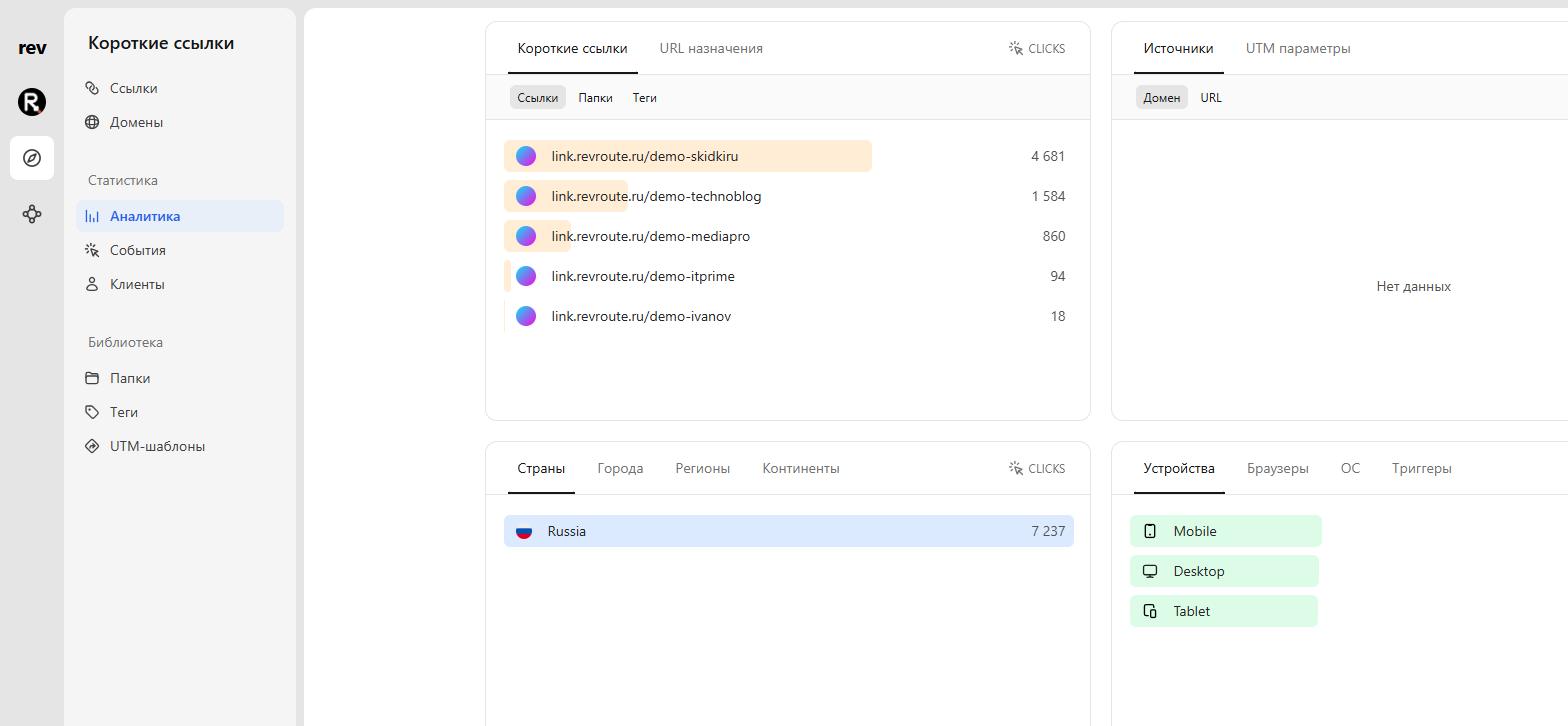
Voila! You have successfully filtered your analytics by either QR code scans or link clicks.