Эта функция доступна только на тарифных планах Business и выше .
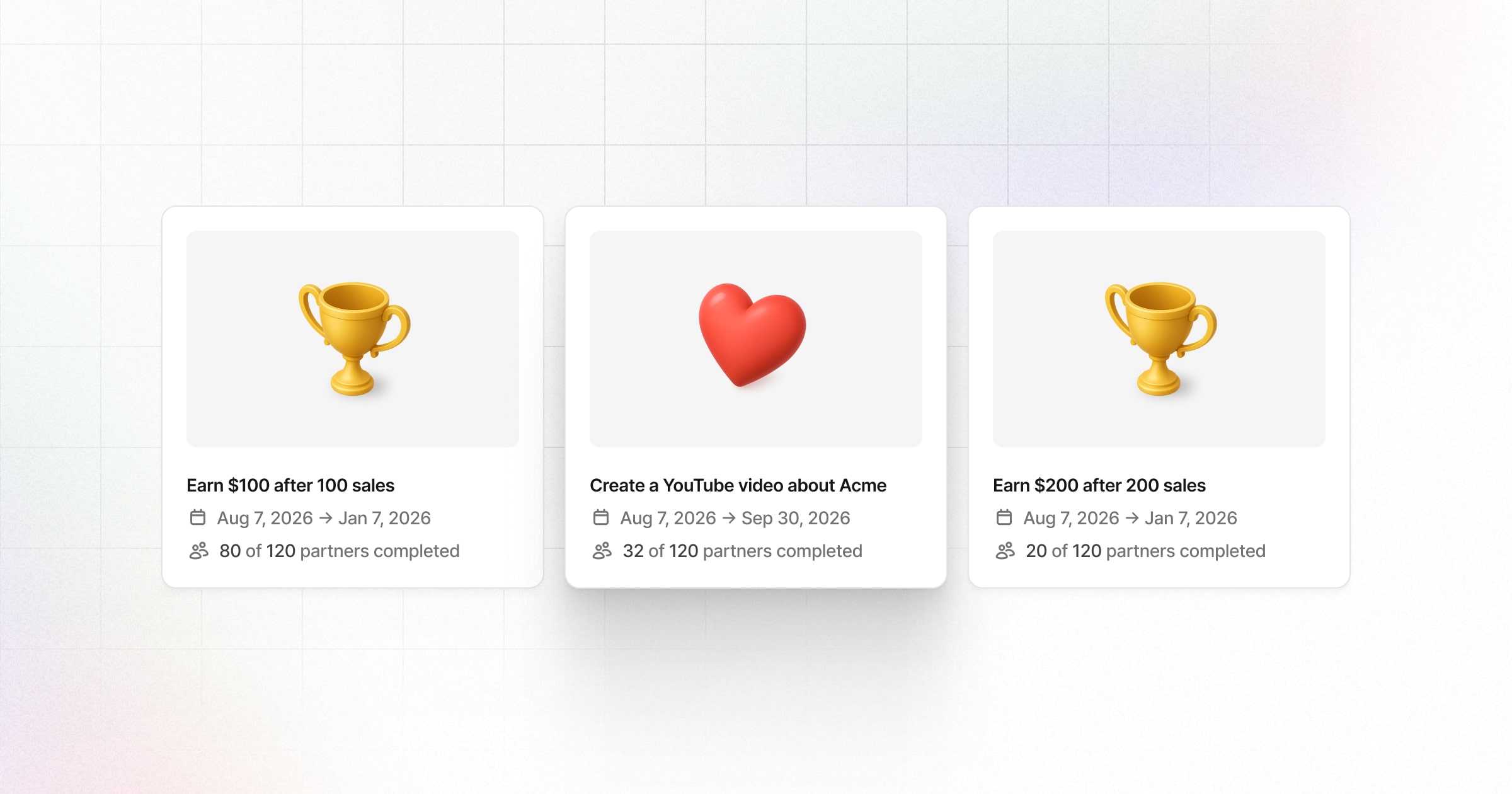
Бонусные задания в Revroute Partners позволяют вознаграждать партнеров за достижение целей или создание контента о вашем продукте. Это руководство поможет вам создавать бонусные задания, устанавливать требования и управлять заявками.
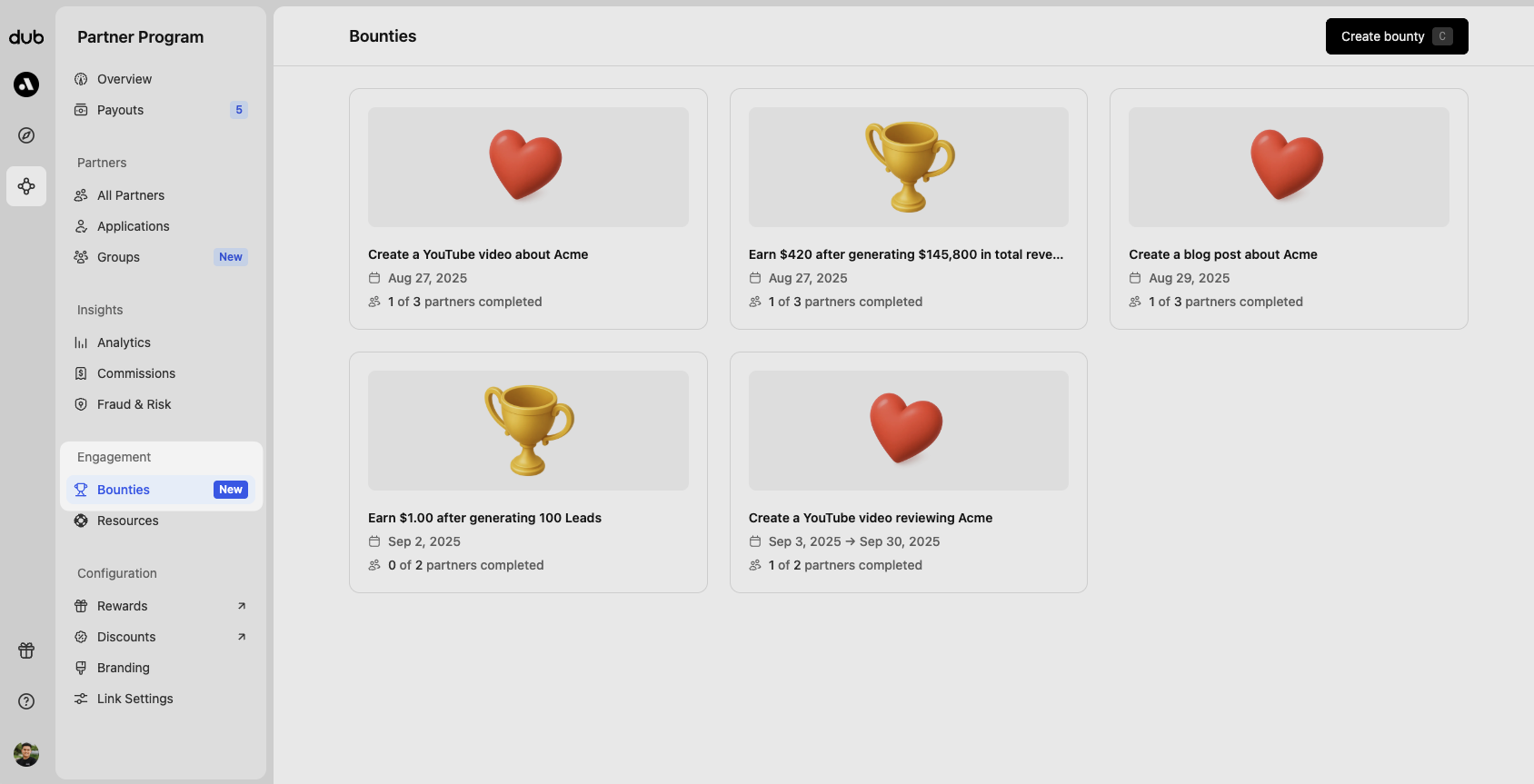
Чтобы просмотреть и управлять бонусными заданиями, перейдите в меню Partner Program и нажмите на Bounties в разделе Engagement:
Создание бонусного задания
Нажмите Create bounty (или используйте сочетание клавиш C), чтобы открыть панель создания бонусного задания. Здесь выберите тип задания, который вы хотите создать:
При создании нового бонусного задания всем подходящим партнерам будет отправлено уведомление по электронной почте в запланированную дату начала задания. Убедитесь, что задание полностью настроено перед его созданием.
Задания за достижение показателей
Задания за достижение показателей вознаграждают партнеров за достижение измеримых целей, таких как определенное количество лидов, конверсий, выручки или комиссий. Они отслеживаются автоматически и выплачиваются после выполнения без необходимости одобрения.

Примеры:
- Привлеките 500 лидов и получите дополнительный бонус $1 000
- Сгенерируйте $1 000 выручки и получите дополнительный бонус $250
- Заработайте $5 000 комиссий и получите дополнительный бонус $500
| Поле | Описание |
|---|---|
| Description (необязательно) | Предоставьте дополнительные детали задания. Например: «Это разовый промо-период, в течение которого вы можете заработать дополнительные комиссии сверх того, что уже получаете в нашей программе» |
| Start date (необязательно) | Дата начала задания. Партнеры получат уведомление по электронной почте в эту дату. Если не указана, задание начнется с даты создания. |
| End date (необязательно) | Дата окончания задания. Если установлена, задание «истечет» после этой даты и больше не будет доступно для получения комиссии. |
| Logic | Критерии успеха основаны на: общем количестве лидов, общем количестве конверсий, общей выручке или общих комиссиях. Подробнее. |
| Reward | Сумма вознаграждения, которую партнер получит после выполнения задания. |
| Groups | Доступность для групп партнеров. Одно и то же задание может быть применено к нескольким группам партнеров — или ко всем группам вашей программы. |
Логика показателей
При настройке логики задания за достижение показателей вы можете выбирать из нескольких вариантов в зависимости от того, как вы хотите измерять результаты.
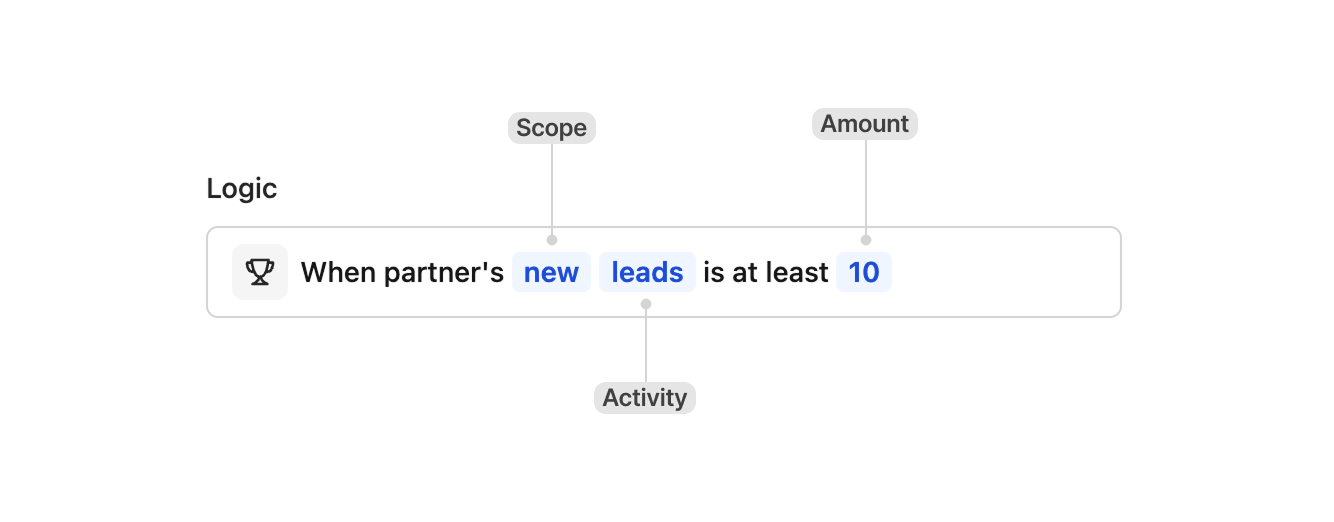
Scope определяет, как отслеживаются показатели за определенный период.
- New — отслеживаются только показатели, полученные после создания задания. Например, если вы установили задание с вознаграждением за 10 лидов, каждый партнер должен привлечь 10 новых лидов после запуска задания, независимо от того, сколько лидов у него было ранее.
- Lifetime — учитываются показатели за весь период работы партнера. Например, если вы установили задание с вознаграждением за 10 лидов, любой партнер, у которого уже есть как минимум 10 лидов, сразу получит право на вознаграждение.
Activity определяет, какая метрика отслеживается для задания. Для выручки и комиссий необходимо указать сумму в долларах.
- Лиды
- Конверсии
- Выручка
- Комиссии
Задания с отправкой материалов
Задания с отправкой материалов вознаграждают партнеров за выполнение действий, требующих проверки, таких как создание контента для социальных сетей, публикация статьи в блоге или проведение мероприятия. Партнеры отправляют подтверждение, и вознаграждение одобряется после выполнения требований.

Примеры:
- Выпустить видео на YouTube для повышения узнаваемости
- Опубликовать статью в блоге с описанием вашего продукта
- Провести мероприятие (очное или онлайн) по продвижению вашего бренда
| Поле | Описание |
|---|---|
| Name | Название, которое будет отображаться для ваших партнеров и внутри компании. |
| Description (необязательно) | Предоставьте дополнительные детали задания. Например: «Убедитесь, что прикрепили до 3 фотографий вашего мероприятия в качестве подтверждения выполнения задания.» |
| Start date (необязательно) | Дата начала задания. Партнеры получат уведомление по электронной почте в эту дату. Если не указана, задание начнется с даты создания. |
| End date (необязательно) | Дата окончания задания. Если установлена, задание «истечет» после этой даты и больше не будет доступно для получения комиссии. |
| Allowed submissions | Количество отправок, необходимых партнеру для выполнения задания. Партнеры должны отправить указанное количество записей для его завершения. |
| Submission window (необязательно) | Укажите, за сколько дней до даты окончания партнеры могут начать отправлять записи. Для указания окна отправки требуется дата окончания. |
| Submission frequency (необязательно) | Укажите интервал между отправками, которые могут делать партнеры. |
| Submission type | Критерии, по которым партнеры будут отправлять свои записи. Выберите между ручной отправкой и метриками социальных сетей. |
| Reward | Сумма вознаграждения, которую партнер получит после выполнения задания. |
| Groups | Доступность для групп партнеров. Одно и то же задание может быть применено к нескольким группам партнеров — или ко всем группам вашей программы. |
Окно отправки
Это количество дней до даты окончания, в течение которых партнеры могут начать отправлять записи. Для указания окна отправки требуется дата окончания.

Частота отправки
Укажите интервал между отправками, которые могут делать партнеры, когда значение Allowed submissions больше единицы. Партнеры должны отправить полное количество допустимых отправок для завершения задания. Доступные варианты:
- Раз в день
- Раз в неделю
- Раз в месяц
Установите значение Allowed submissions больше единицы, чтобы задать частоту отправки.

Если частота отправки не установлена, партнеры могут отправить все необходимые записи в любое время, пока задание открыто для отправки.
Ручная отправка
Ручная отправка лучше всего подходит, когда вы хотите вознаградить партнеров за конкретные действия или достижения, такие как публикация статьи в блоге с описанием вашего продукта или проведение мероприятия (очного или онлайн) по продвижению вашего бренда.
Во время создания задания вы можете по желанию потребовать от партнеров прикрепить изображения и URL-адреса в качестве части их отправки.

По умолчанию партнеры, претендующие на вознаграждение за ручную отправку, должны описать, как они выполнили задание, используя текстовое поле.

Требуется хотя бы одно изображение
Когда включено, партнеры должны загрузить хотя бы одно изображение в составе своей отправки. Можно прикрепить до четырех изображений.
Требуется хотя бы один URL
Когда включено, партнеры должны включить хотя бы один URL в свою отправку. Можно указать до 100 URL.
Разрешенные домены
Вы можете ограничить отправки определенными доменами, задав список разрешенных доменов.
 Это полезно, когда отправки должны поступать с определенных платформ или веб-сайтов,
например, одобренных социальных сетей или собственных доменов.
Это полезно, когда отправки должны поступать с определенных платформ или веб-сайтов,
например, одобренных социальных сетей или собственных доменов.
Хотите запустить бонусные задания для публикаций в социальных сетях с вознаграждением на основе результатов? Ознакомьтесь с типом отправки через метрики социальных сетей.
Индивидуальное вознаграждение
Для некоторых заданий с отправкой материалов вы можете установить индивидуальное вознаграждение за каждую отправку. Вот несколько примеров:
- Выплата индивидуального вознаграждения за произвольную задачу (например, организацию митапа/вебинара)
- Вознаграждение в размере 10%, если партнер достигнет цели, которую он установил к определенной дате (например, #FramerChallenge )

Метрики социальных сетей
Отправки с метриками социальных сетей лучше всего подходят, когда вы хотите вознаградить партнеров на основе эффективности их публикаций в социальных сетях. Их эффективность автоматически отслеживается и сравнивается с вашими установленными критериями.
При отправке этих заданий партнер может предоставить только одну ссылку, и она должна быть с верифицированного аккаунта в их профиле. Публикация, которую они отправляют, также должна быть создана после начала задания. Это сделано для того, чтобы партнеры не отправляли старый контент, который уже имеет активность.

Выберите социальную платформу и целевую метрику
Вы можете отслеживать эффективность на одной социальной платформе для каждого задания. Доступные варианты:
- YouTube
- TikTok
- X/Twitter
Для каждой социальной платформы вы можете отслеживать лайки или просмотры.

Добавление переменного бонуса
Вы также можете по желанию вознаграждать за дополнительные результаты сверх базовых критериев.

В этом примере программа вознаграждает дополнительными $5 за каждые 100 просмотров отправленной публикации, до 1 000 просмотров.
Бонусные задания с метриками социальных сетей доступны только на тарифном плане Advanced и выше .
Проверка заданий
Для заданий с отправкой материалов вы должны проверить записи партнеров перед одобрением или отклонением. Чтобы просмотреть отправку, нажмите на её строку в таблице отправок.
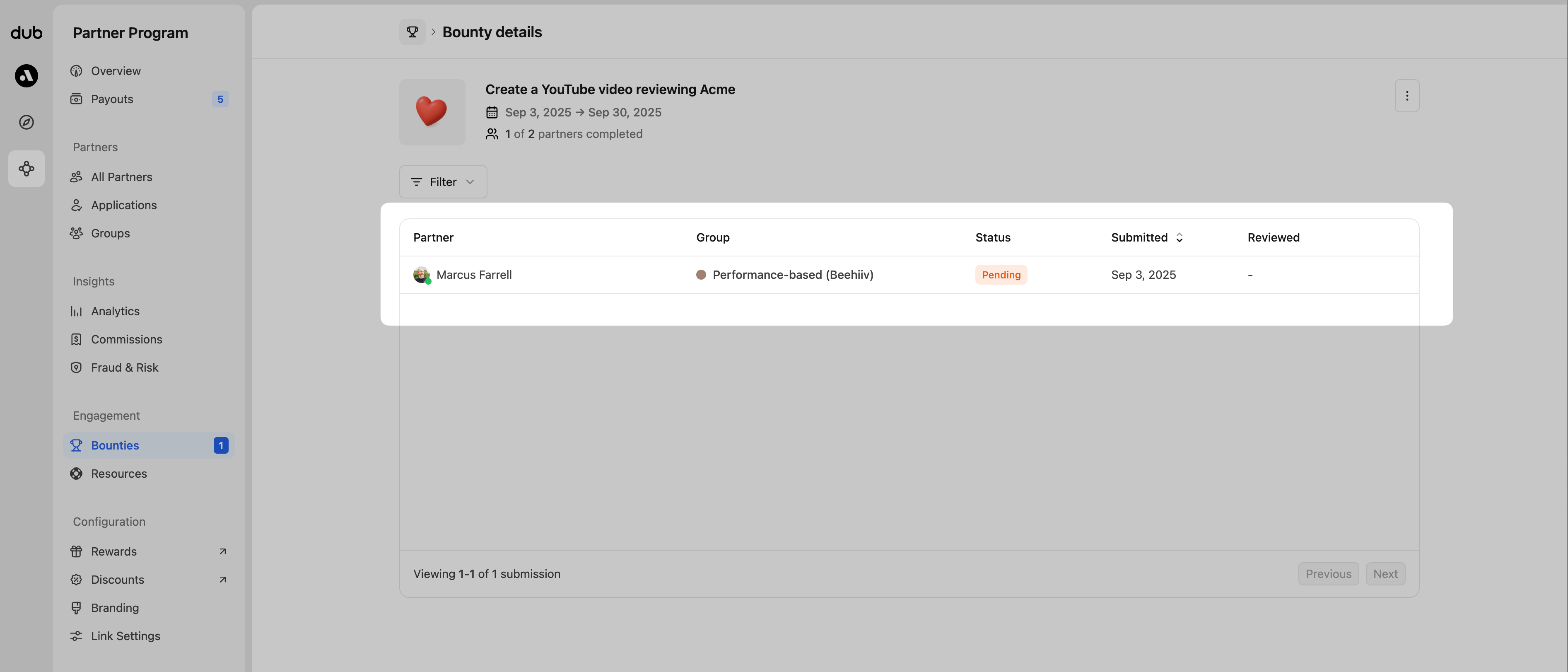
При проверке отправки вы увидите нечто похожее на примеры ниже, но ваше представление может отличаться в зависимости от требований и критериев, установленных для задания. Каждая проверка включает информацию о партнере, детали отправки и предоставленные доказательства или социальный контент для выполнения критериев.

Из этого представления вы можете одобрить или отклонить отправку.
Одобрение отправок
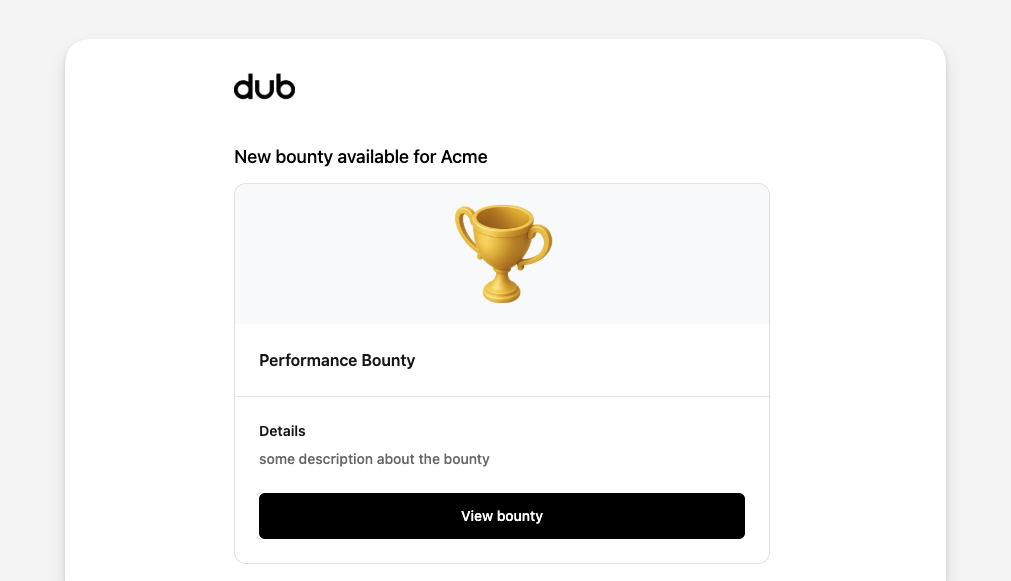
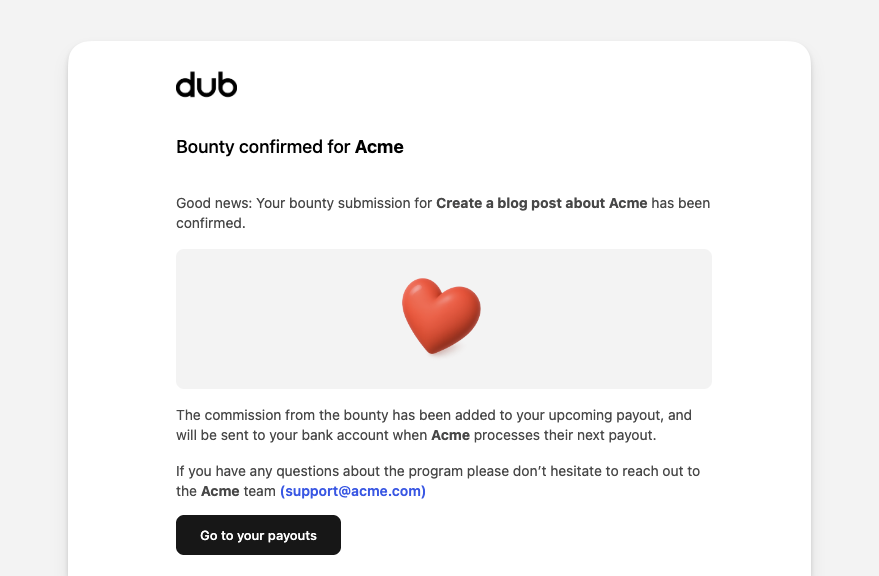
После одобрения отправки бонусного задания автоматически создается комиссия, которая будет выплачена при следующей выплате. Партнер также получит уведомление по электронной почте:
Если вы установили индивидуальное вознаграждение, в процессе одобрения вам будет предложено ввести фиксированную сумму для вознаграждения этого партнера.
Отклонение отправок
При отклонении отправки бонусного задания вы также можете выбрать причину и предоставить дополнительные детали отклонения. Эта информация будет добавлена к записи отправки и также отправлена партнеру по электронной почте.

Для причины отклонения вы можете выбрать из:
- Недействительное подтверждение
- Дублирующая отправка
- Вне временного окна
- Не соответствует критериям
- Другое
При отклонении комиссия не будет создана, а письмо партнеру будет выглядеть примерно так, как в примере ниже.
